
Google’s new selfie‑video sign‑in option
For almost five years Google has been urging users to move beyond weak, easy‑to‑guess passwords. First it promoted hardware security keys, then introduced passkeys that let you log in with a fingerprint or face scan. Now the company is testing a selfie‑video verification that works much like the Face ID feature on iPhones.
Why a selfie video?
According to Google, a short video gives you a backup way to prove who you are when you can’t reach your usual device or when resetting a password isn’t possible. The video is used only for authentication and is encrypted on Google’s servers.
How the live check works
To stop attacks that use still photos or AI‑generated deepfakes, the system requires you to move your head in real time while the camera records. Google also asks you to remove sunglasses, masks, hats, or any other items that could hide your face, and to pick a plain background without other people or distracting visuals.
Setting up the selfie verification
If you want to enable the feature, follow these steps:
- Open your Google Account and sign in if prompted.
- Go to Security & sign-in.
- Under the How you sign in to Google section, select Selfie video.
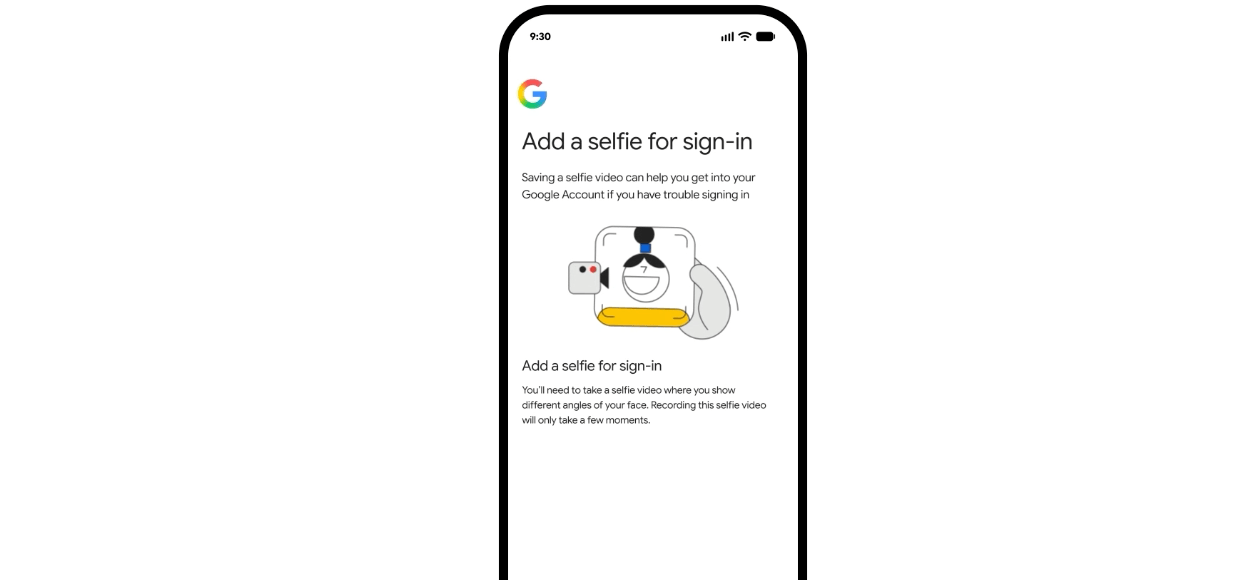
- Click or tap Continue on the Add selfie for sign-in page.
- Follow the remaining on-screen prompts to complete setup.
Google
The convenience, however, is not widely available for all Google account owners. Selfie video verification is not enabled for Google Workspace accounts, Child accounts, and Google Accounts enrolled in the Advanced Protection Program, says Google on a support page. At any given time, users can choose to remove their recorded selfie check video linked to their Google account.





