
Google TV Streamer firmware updates are not delivered to every device at the same moment. Google says production versions are updated in its list once a release is broadly available, while devices can still receive updates in stages. The version shown on your own Streamer is therefore more useful than a forum post claiming that every unit has the same build.
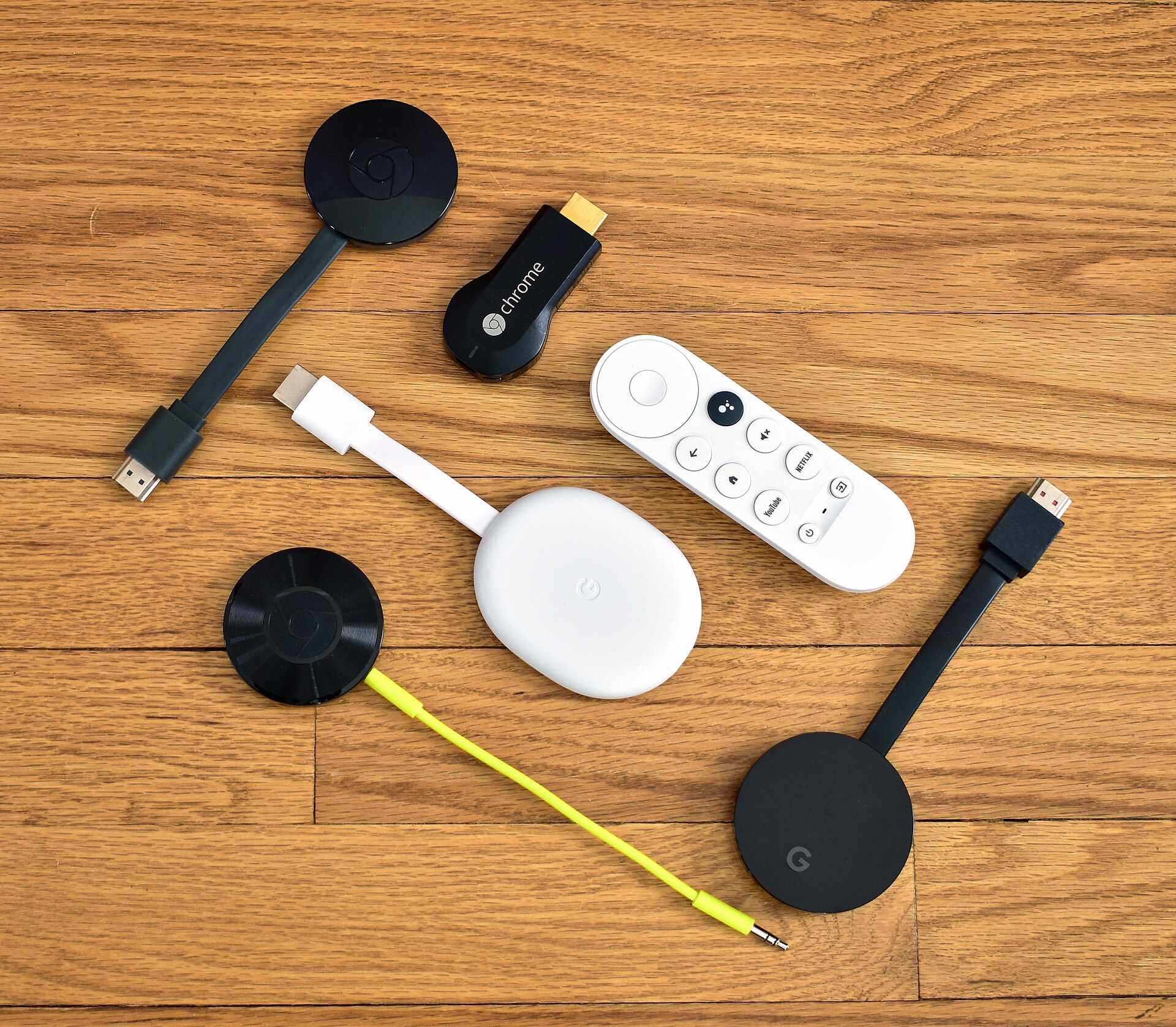
How to check the version
Open the Google Home app, choose Home and All devices, then touch and hold the Google TV Streamer tile. Open Settings and Device information. Google says the technical-information area shows the system firmware version. Write that value down before troubleshooting so you can compare it with the official release notes.
What the current production notes say
On the Google support page checked for this article, the Google TV Streamer (4K) production build is listed as UTTK.260317.003. The notes mention Google Home Speaker audio output support, Thread credentials sharing, an April 2026 security-patch update, and bug fixes and performance improvements. A listed build does not mean a new feature appears on every account immediately because delivery is staged.
How to request an update
Use the device’s system-update path after recording the current build. Keep the Streamer connected to power and a stable network while it checks, and avoid unplugging it during installation. If the update option is not visible, wait and check again rather than forcing an unofficial file onto the device. Google’s instructions should take priority over third-party download links.
Do not confuse app updates with firmware
Google Home can receive its own feature and bug-fix updates. Google’s separate release-notes page says some app capabilities may take time to roll out even when the latest app version is installed. A current Google Home app therefore does not prove that the Streamer’s system firmware changed, and current firmware does not guarantee that every app feature is active.
For a complete first-time setup sequence, see our ONN 4K Google TV setup guide.
Sources
- Google: Chromecast and Google TV Streamer firmware versions and release notes
- Google: What’s new in Google Home