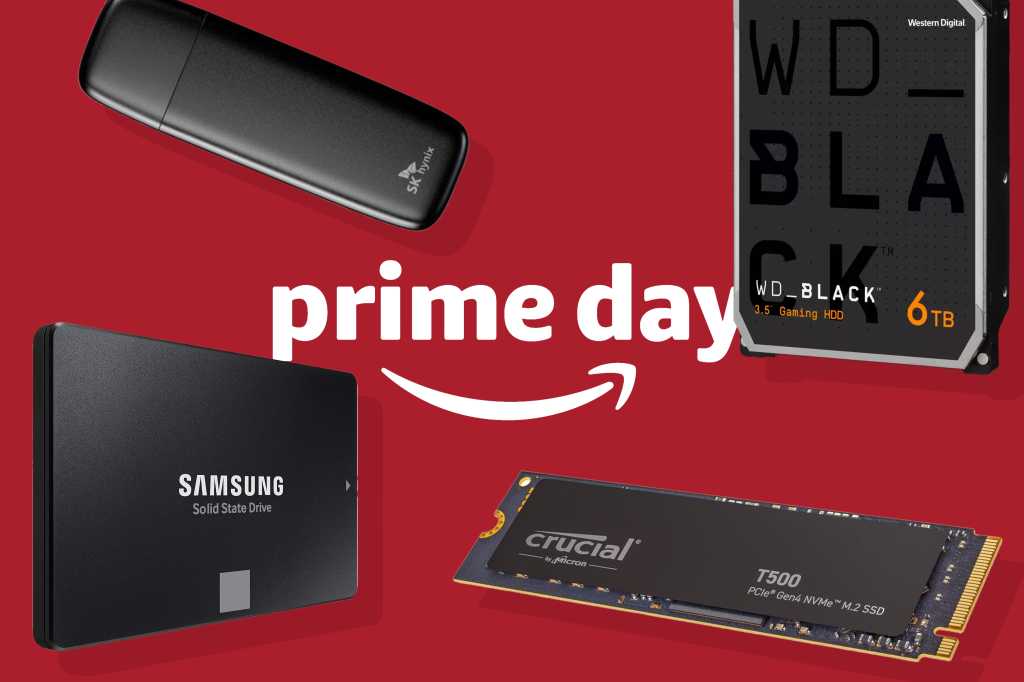
Fall Prime Day deal coverage has highlighted portable SSD discounts from Samsung, SanDisk, Lexar, and other storage brands. The most attractive listings can sell out or change price quickly, so the useful part of a deal roundup is not only the discount—it is matching the drive to the way you will use it.
Capacity comes first
A 512GB drive can work for a laptop backup, a photo library, or a smaller video project. A 1TB or 2TB drive is easier to live with when you move large media files or keep a working archive. Compare the sale price per terabyte, not just the percentage discount in the headline.
Check the interface and included cable
USB-C on the connector does not automatically tell you the speed. Look for the drive’s USB generation, advertised read and write rates, and the cable included in the box. A fast SSD connected through a slower port will not deliver its headline performance, but it can still be useful for portability and backups.
Do not confuse a sale with a backup strategy
An external SSD is not a complete backup if it stays beside the laptop and is never disconnected or copied elsewhere. Keep at least one additional copy of important footage, documents, or photos. Before using a new drive for a large archive, test it and confirm that the computer can read the files.
The linked deal coverage is a snapshot, not a guarantee. Check the current price, shipping, seller, warranty, and return terms at checkout. Avoid buying a drive solely because a countdown timer claims the deal is ending.