
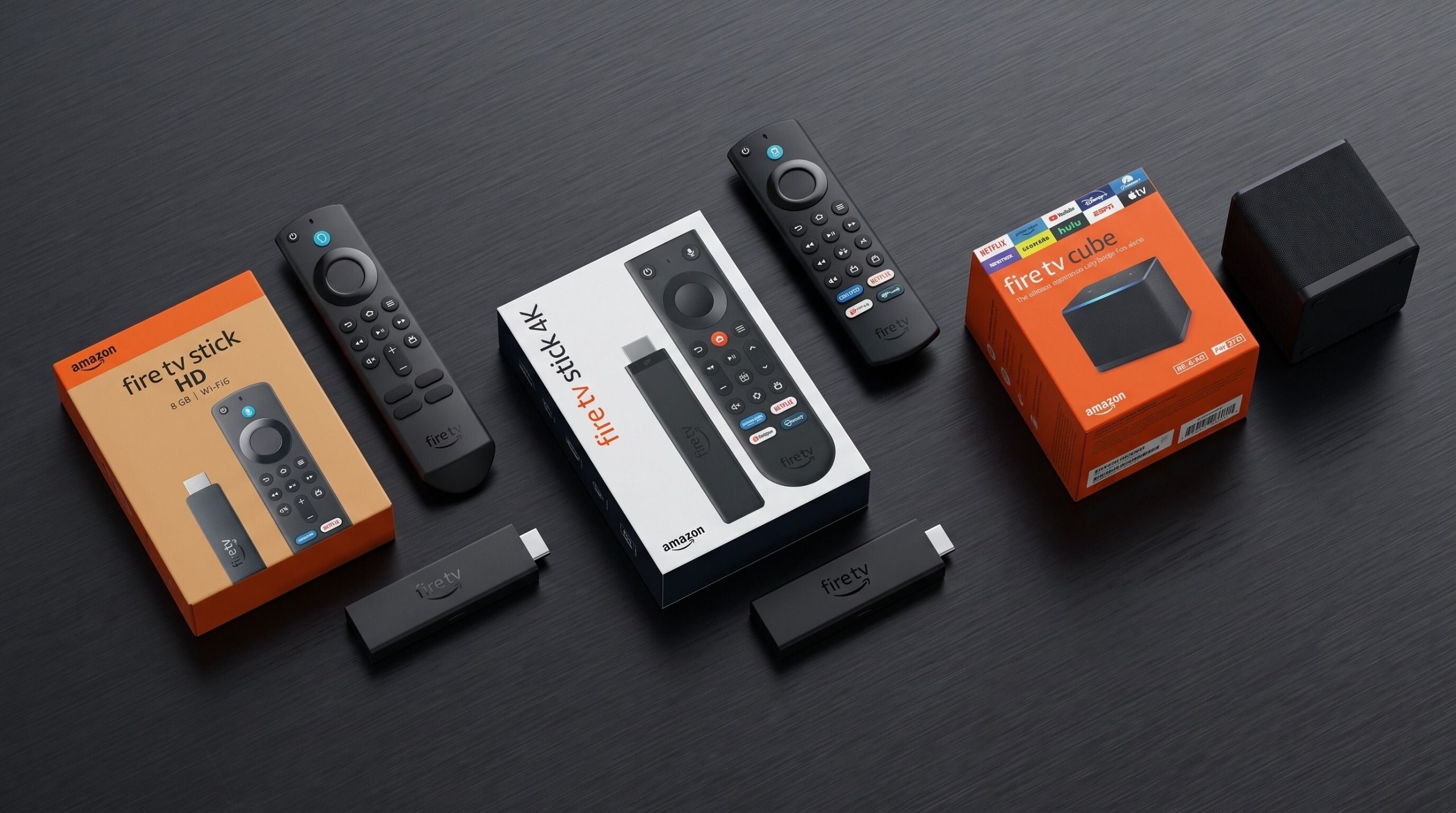
Amazon’s Fire TV lineup is easier to understand when you separate three decisions: the resolution your television supports, how much performance you need, and whether you want a compact stick or a hands-free box. The model names overlap, but the buying choice does not have to be confusing.
Naming note: Amazon’s current listings can show Fire TV Stick 4K Select and Fire TV Stick 4K Plus, while older pages may simply say Fire TV Stick 4K. Check the exact model name, generation, remote and storage on the listing before ordering.
Fire TV Stick HD
The HD model is aimed at televisions that top out at 1080p. It is the lower-cost option for a bedroom, spare room, or older television, but it is not the right choice if you recently bought a 4K display. Check the exact model listing before ordering because Amazon has used similar names across generations.
Fire TV Stick 4K Select, 4K Plus and 4K Max
The 4K models are the better fit for a 4K television. The 4K Max is positioned as the higher-performance stick and is the option to consider when faster navigation, newer wireless support, and additional headroom matter more than the lowest price. Amazon’s device comparison page is the safest place to check the current specifications because regional bundles and model names change.
Fire TV Cube
The Cube is designed for a living-room setup where hands-free Alexa control, stronger processing, and a larger box are useful. It can make sense for an enthusiast setup, but a stick is usually simpler when the television already has the ports and wireless coverage you need.
Which one should you buy?
- Choose the HD stick for a 1080p television and basic streaming.
- Choose the 4K Select or 4K Plus for a 4K television in a compact stick form.
- Choose the 4K Max when performance and newer wireless support are priorities.
- Choose the Cube when hands-free control and a more capable living-room hub justify the higher cost.
Before buying, confirm the model number, included remote, storage, Wi‑Fi standard, supported HDR formats, and the services available in your country. Amazon’s product pages can change while older review pages remain online, so current specifications should win over a search snippet.
Affiliate disclosure: As an Amazon Associate I earn from qualifying purchases. If you use an Amazon link on this page, it may earn Honest Fred a commission at no additional cost to you.
Our Top Picks
These recommendations are based on the manufacturers’ published specifications and the practical trade-offs between each model. They are not presented as hands-on test scores. Choose the option that fits your television, network, storage needs and living-room setup.
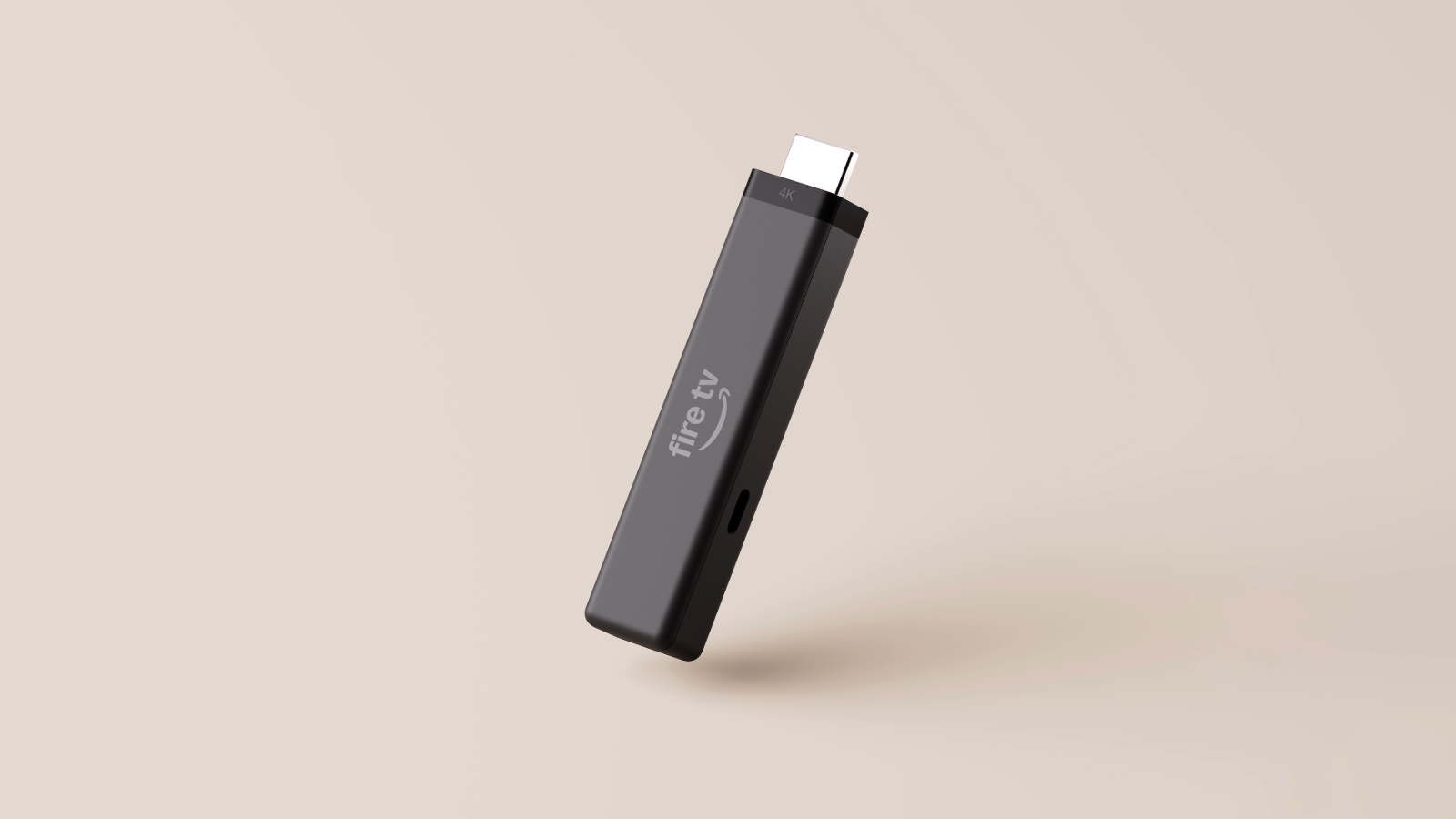
Fire TV Stick 4K Plus
Bottom line: Best balance for most 4K TVs.
Best for: Most 4K viewers who want premium picture and sound formats.
Why consider it:
- 4K with Dolby Vision, HDR10+ and Dolby Atmos
- Wi-Fi 6 and a compact stick design
Trade-off: Less storage than the 4K Max and no Cube-style HDMI input or built-in speaker.
Check price at Amazon US Check price at Amazon Canada
Fire TV Stick 4K Max
Bottom line: Best for speed and storage.
Best for: Power users, larger app libraries and busy Wi-Fi networks.
Why consider it:
- 16GB storage for larger app libraries
- Wi-Fi 6E and premium 4K formats
Trade-off: It costs more than the basic sticks, and it remains a stick rather than a hands-free hub.
Check price at Amazon US Check price at Amazon Canada
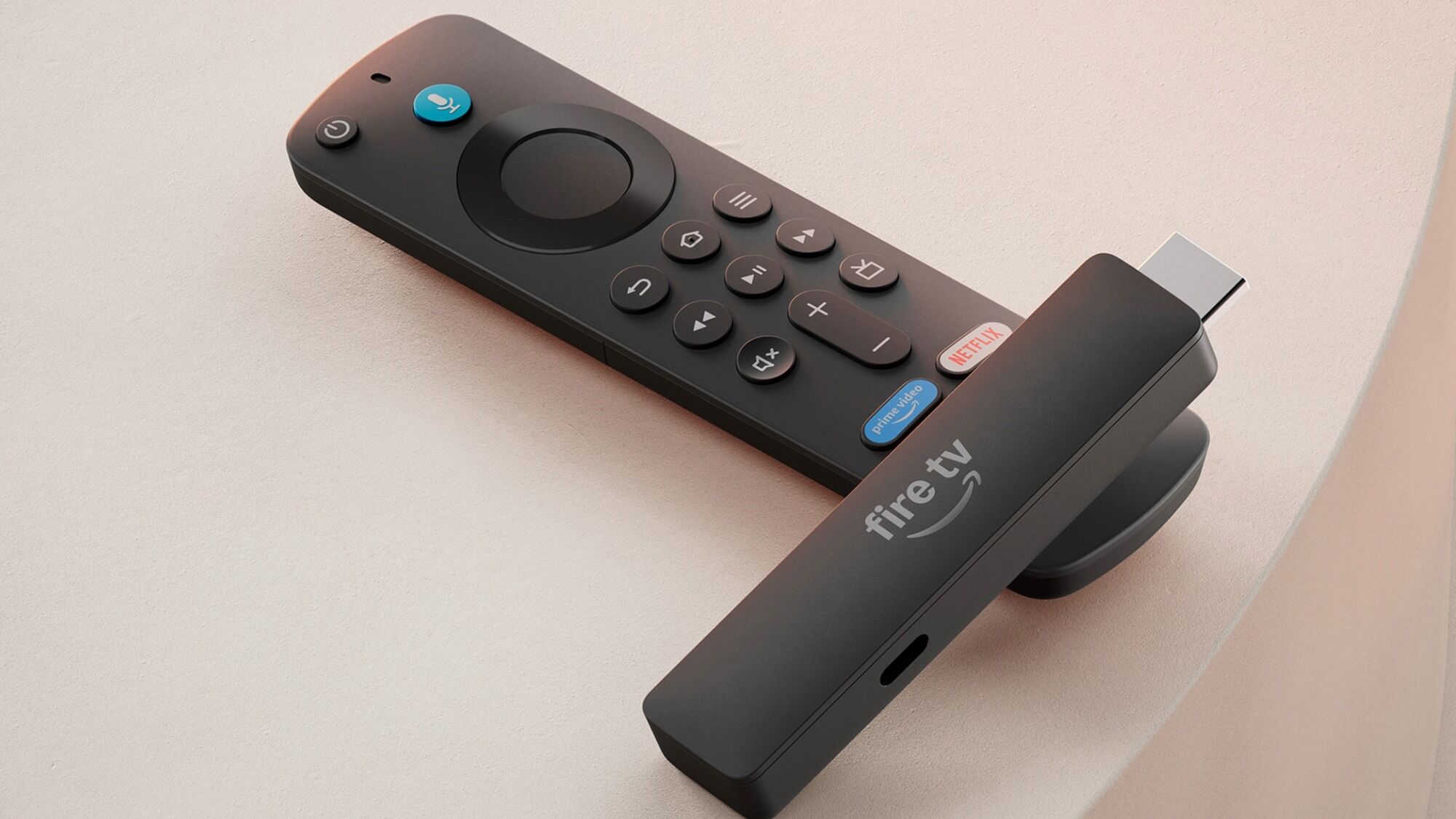
Fire TV Stick HD
Bottom line: Best for older 1080p TVs.
Best for: 1080p TVs, bedrooms and secondary rooms.
Why consider it:
- 8GB storage and Wi-Fi 6
- Small format for a bedroom or spare room
Trade-off: It is an HD device, so it is not the right fit for a 4K upgrade.
Check price at Amazon US Check price at Amazon Canada
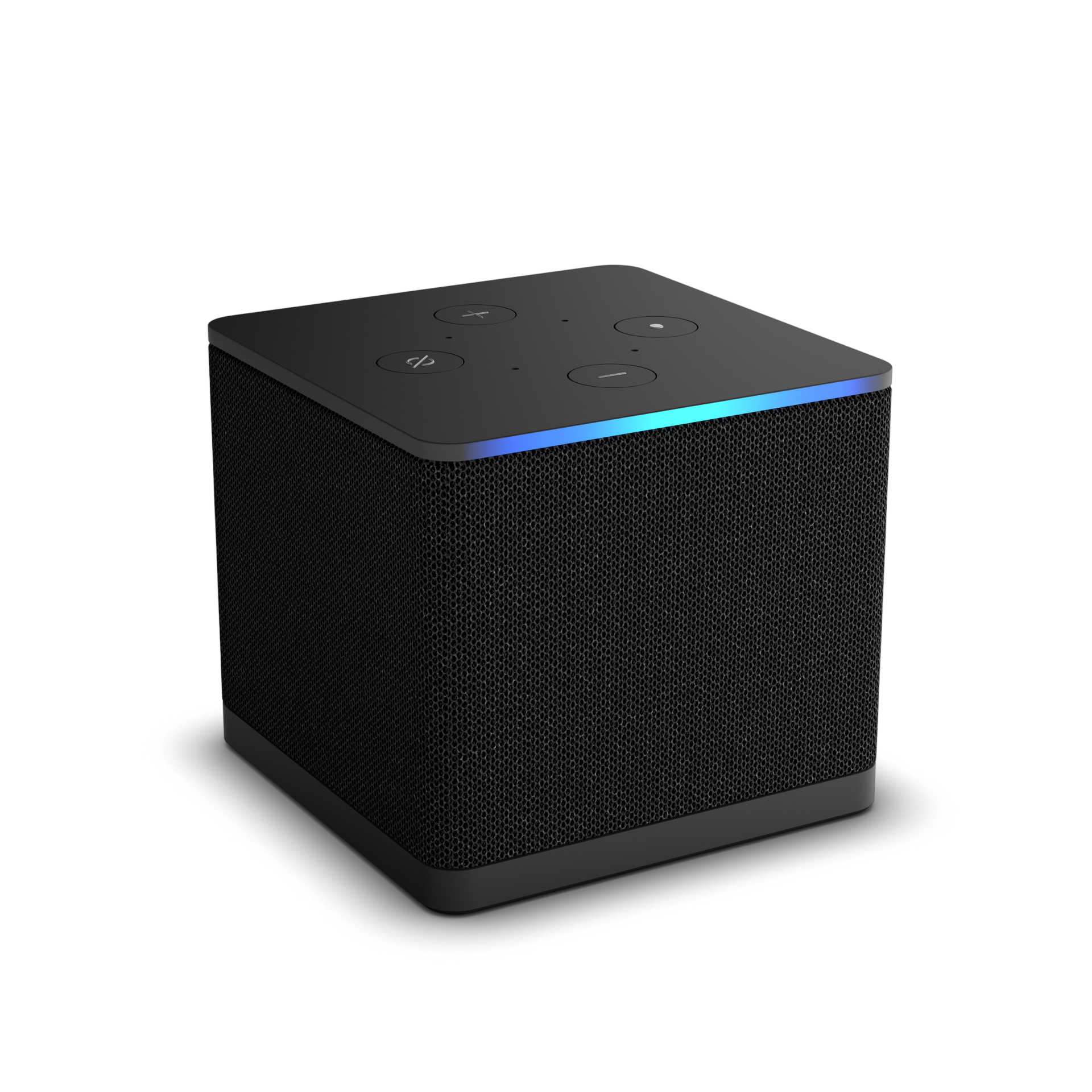
Fire TV Cube
Bottom line: Best for hands-free living rooms.
Best for: Hands-free Alexa control and wired living-room setups.
Why consider it:
- Built-in microphones and speaker
- HDMI input, HDMI output and Ethernet
Trade-off: It is larger and needs a shelf or console position, power and a compatible AV setup.
See the differences up close
Use the cards for the quick decision, then compare the form factor and trade-offs below. These sections use published specifications rather than hands-on performance scores.
Fire TV Stick 4K Plus
Why choose it: It is the balanced compact option for a 4K television when premium picture and sound formats matter.
Watch for: It has less storage and connectivity than the 4K Max or Cube.
Fire TV Stick 4K Max
Why choose it: The 16GB tier and Wi-Fi 6E positioning make it the stick to consider for larger app libraries and demanding home networks.
Watch for: The extra capability may not be worth paying for on a basic setup.
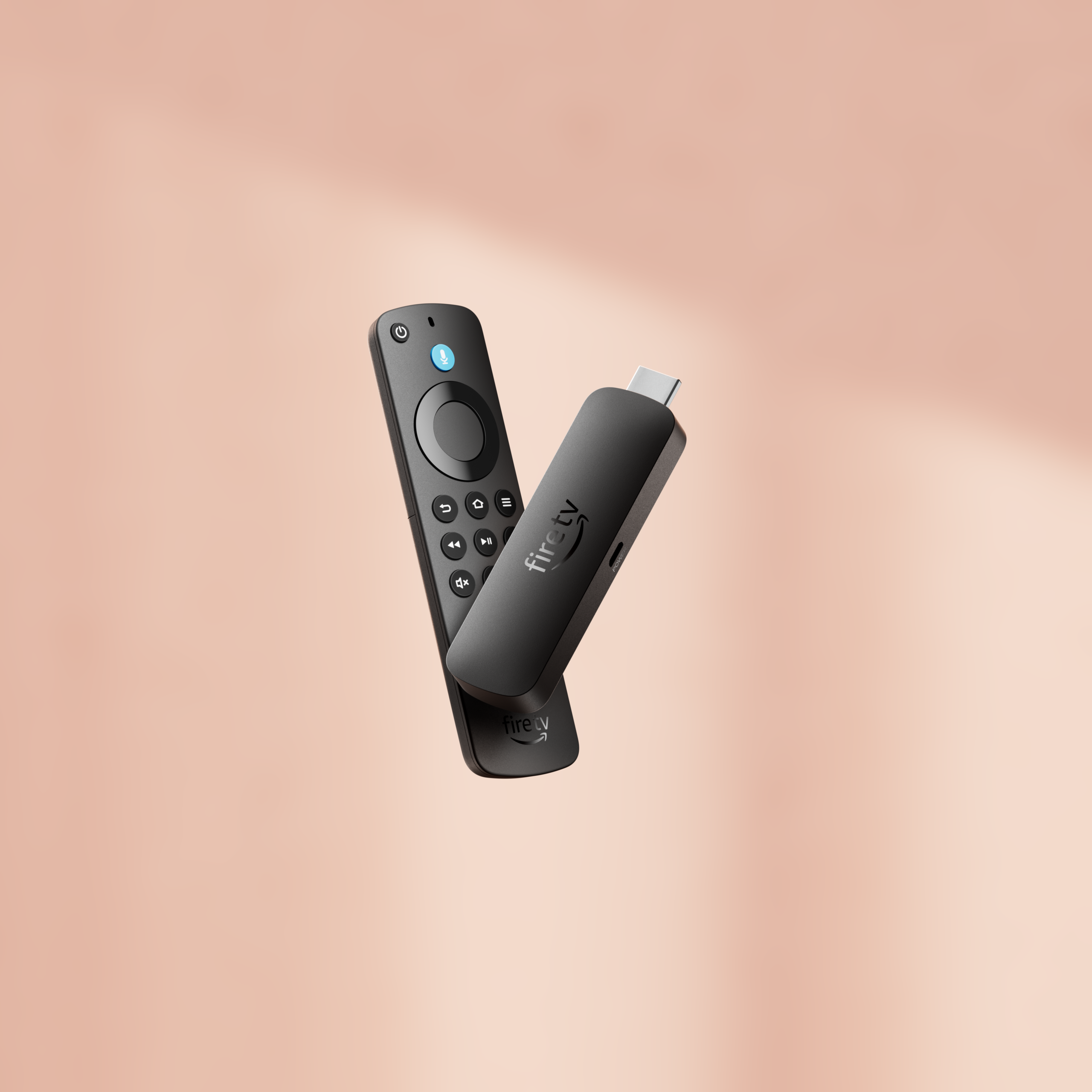
Fire TV Stick 4K Select
Why choose it: It is the entry-level 4K option in the lineup covered here.
Watch for: Confirm the exact regional listing, included remote and model details before ordering.
Fire TV Stick HD
Why choose it: It suits an older 1080p television, bedroom or secondary room.
Watch for: It is not the right match for a 4K display.
Fire TV Cube
Why choose it: Built-in microphones, a speaker, HDMI input/output and Ethernet support a more capable living-room hub.
Watch for: It needs shelf space and a compatible AV setup.
Fire TV comparison chart
Unlike a price-only affiliate box, this chart shows the differences that should affect your decision. Confirm the exact model, seller, price, delivery date and return policy after clicking through. Amazon names, bundles and availability can vary by country.
| Model | Best for | Form | Max video | Storage | Wi-Fi | Key difference | Trade-off | Amazon |
|---|---|---|---|---|---|---|---|---|
| Fire TV Stick HD (2026) | 1080p TVs, bedrooms and secondary rooms | Stick | 1080p HD |
8GB |
Wi-Fi 6 | Small, simple HD streamer | Not the choice for a 4K display | US Canada |
| Fire TV Stick 4K Select | Entry-level 4K streaming | Stick | 4K Ultra HD |
8GB |
Wi-Fi 5 | Basic 4K option in the current lineup | Fewer premium features than 4K Plus or Max | US Canada |
| Fire TV Stick 4K Plus | Most 4K viewers who want premium picture and sound formats | Stick | 4K Ultra HD |
8GB |
Wi-Fi 6 | Dolby Vision, HDR10+ and Dolby Atmos support | Less storage and connectivity than the Max or Cube | US Canada |
| Fire TV Stick 4K Max (2nd Gen) | Power users, larger app libraries and busy Wi-Fi networks | Stick | 4K Ultra HD |
16GB |
Wi-Fi 6E | Most storage and fastest compact-stick tier | Costs more than the entry and mid-range sticks | US Canada |
| Fire TV Cube (3rd Gen) | Hands-free Alexa control and wired living-room setups | Cube | 4K Ultra HD |
16GB |
Wi-Fi 6E | Built-in microphones, speaker, HDMI input and Ethernet | Larger, needs shelf space and is the most expensive tier | US Canada |
Link note: The US buttons use verified direct Amazon product pages for the listed ASINs. Canada buttons use direct product pages where the exact marketplace listing was verified; otherwise they open a clearly labeled Amazon search for that option. No fixed prices are shown because a validated live product-data feed is not active.
Sources





