
A complete walkthrough for installing and configuring iMPlayer on Firestick
iMPlayer is a modern IPTV player known for its customization options and smooth performance. This guide explains how to install and configure iMPlayer properly.
Install iMPlayer Using Downloader
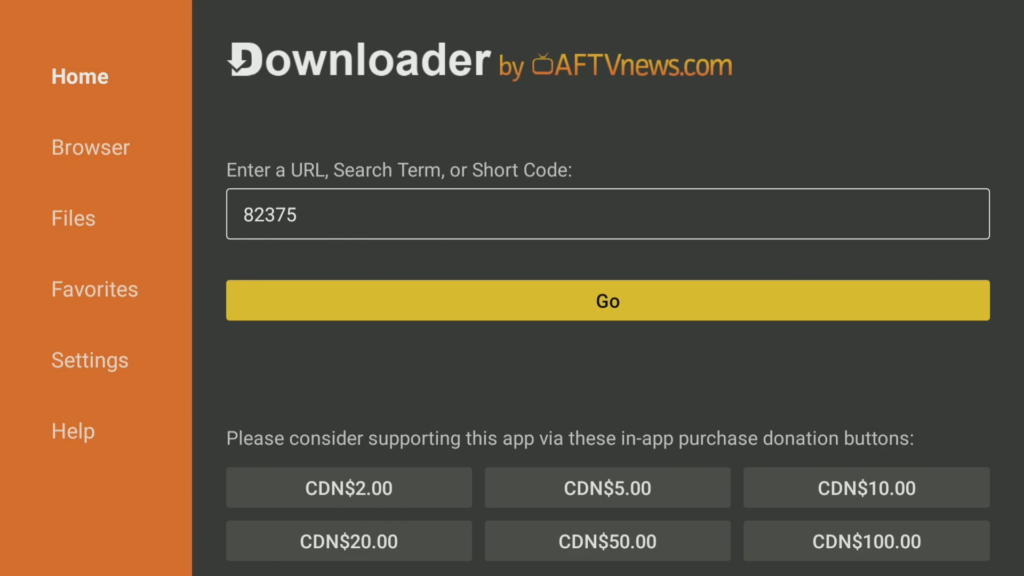
- Open the Downloader app
- Enter the following code: 82375
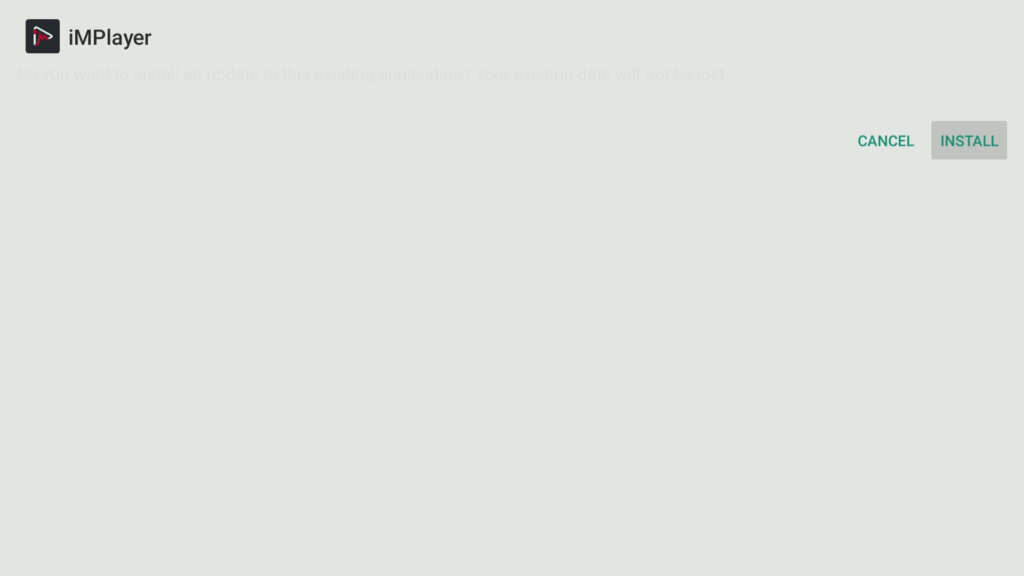
- Download and install iMPlayer
- Launch the app
Choose Your Playlist Login Method
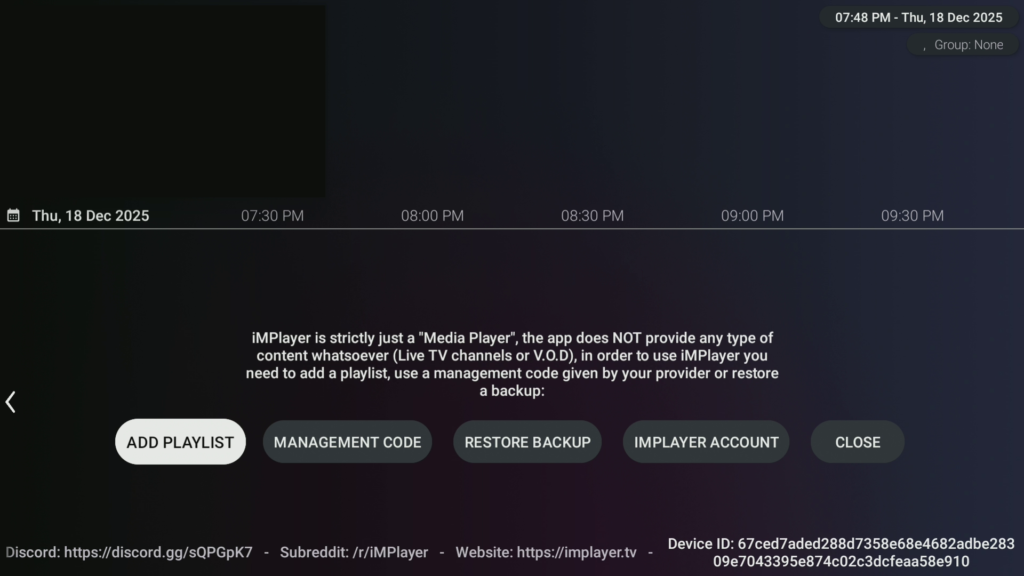
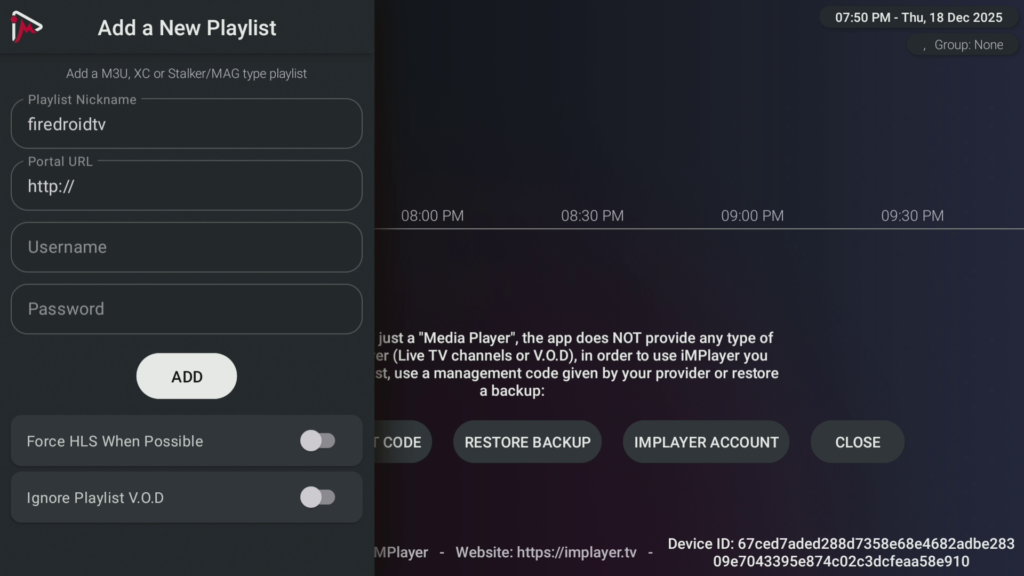
- Select Add Playlist
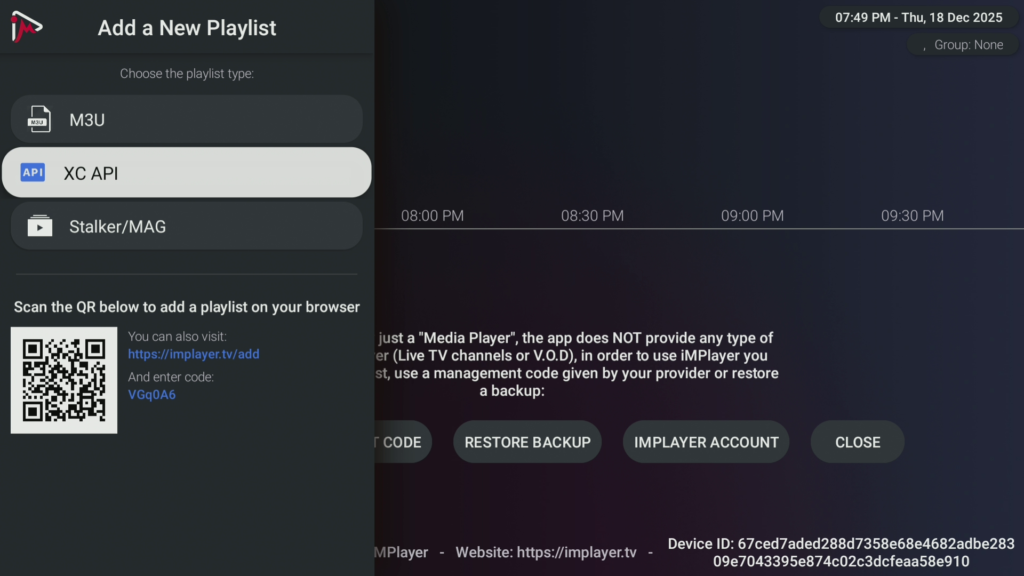
- Choose Xtream Codes API or M3U URL
Enter IPTV Credentials (FireDroid TV)
- Enter your IPTV service credentials: Server / Portal URL, Username, Password
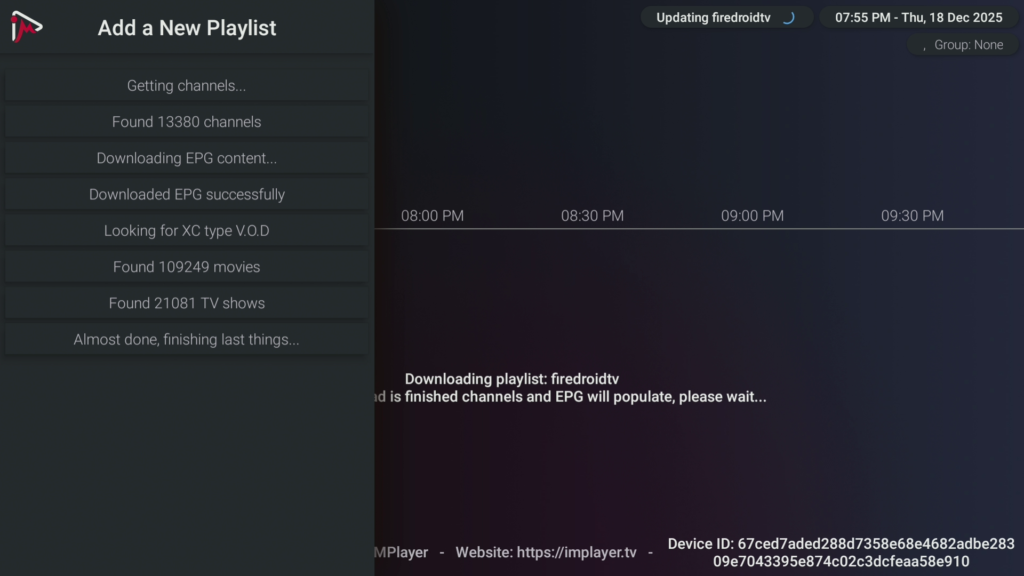
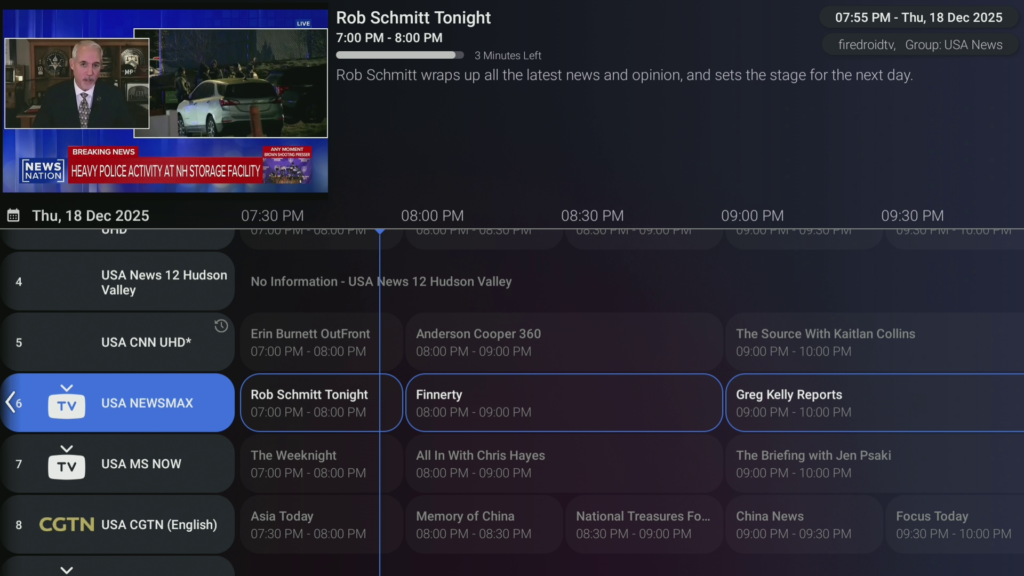
- Allow channels and EPG to load
FireDroid TV works seamlessly with iMPlayer across Firestick and Android TV devices. Visit FireDroidTV.com for details.
Optional iMPlayer Settings
- Open the settings menu
- Customize playback and EPG options
iMPlayer Setup Complete
iMPlayer is now ready for use on your Firestick.
Looking for other IPTV player setup guides?
Learn how to set up TiViMate and IPTV Smarters on Firestick with our complete step-by-step tutorials.