
An easy guide to installing and logging into IPTV Smarters on Firestick
IPTV Smarters is a simple and widely supported IPTV player that works across Firestick and Android TV devices. This guide walks you through the setup process.
Install IPTV Smarters Using Downloader
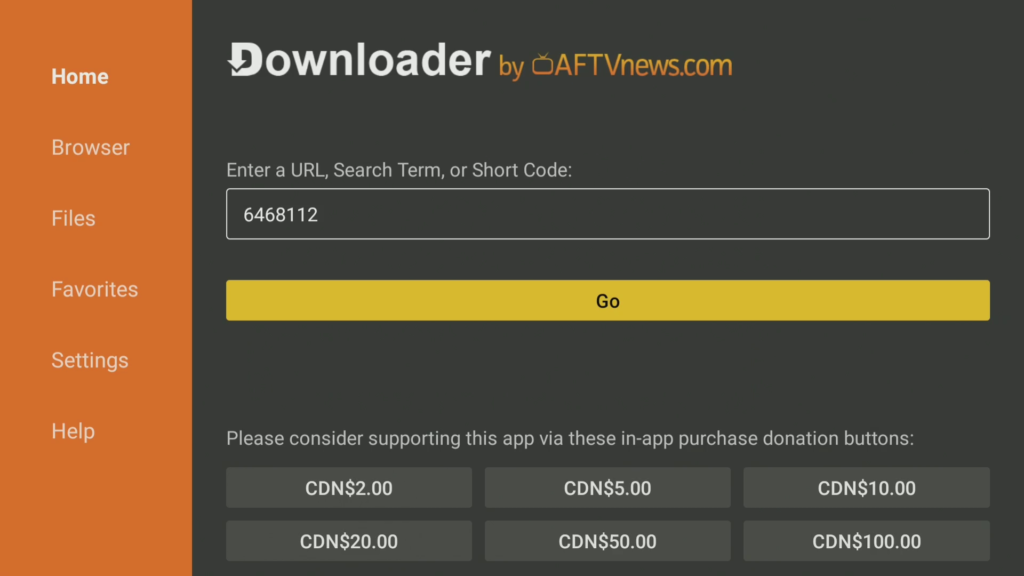
- Open the Downloader app
- Enter the following code: 6468112
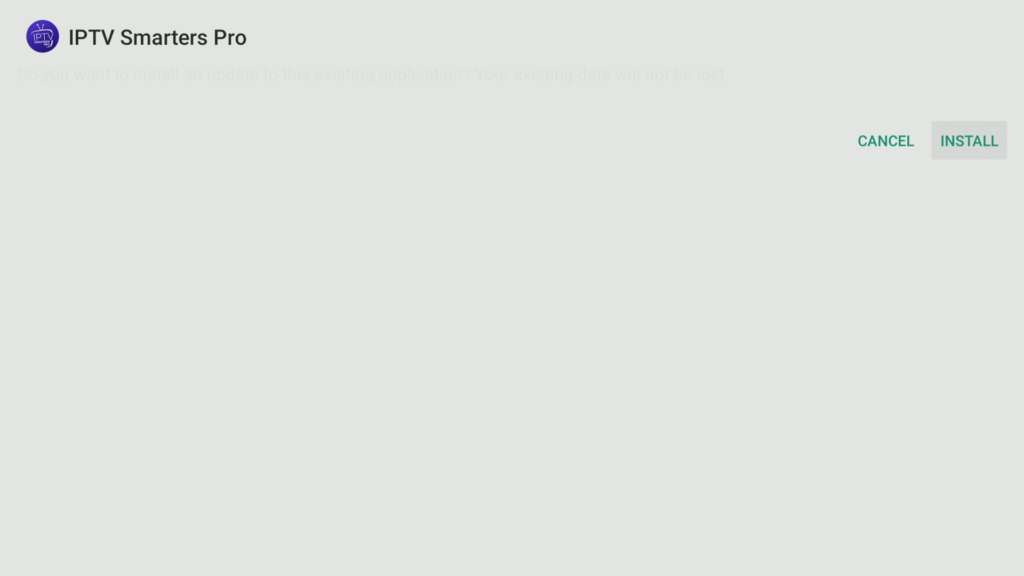
- Download and install IPTV Smarters
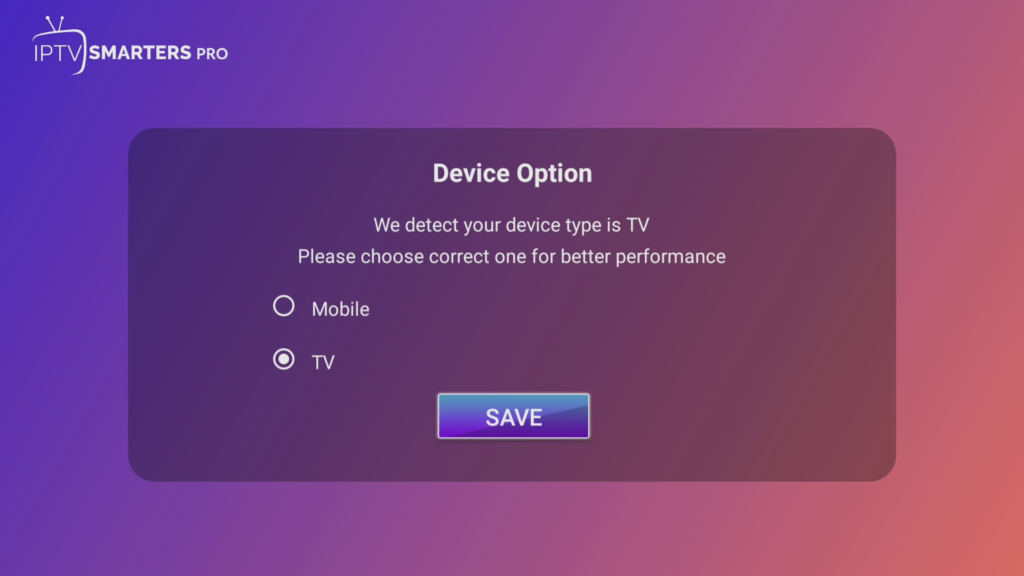
- Open the app
Select Login Method
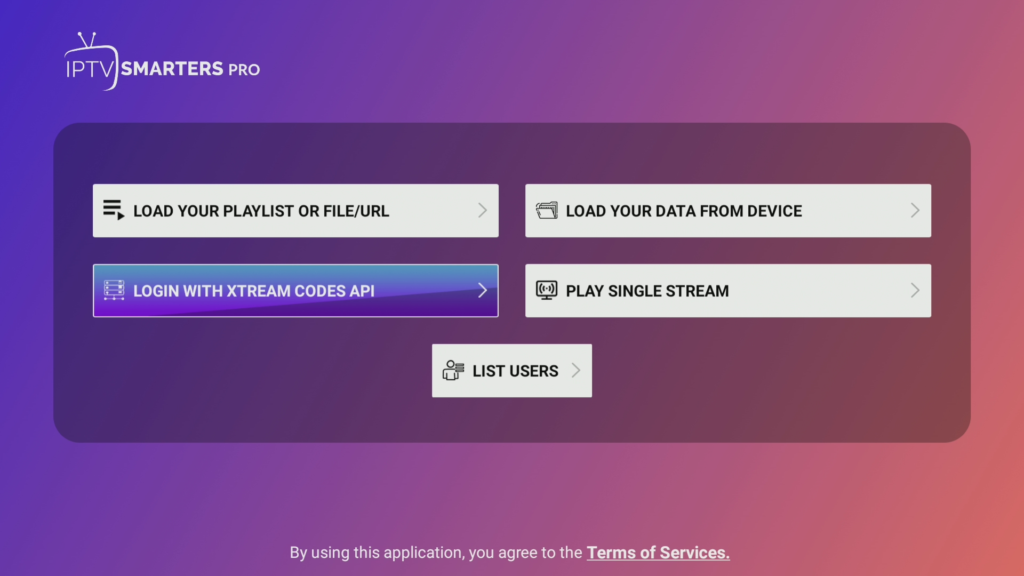
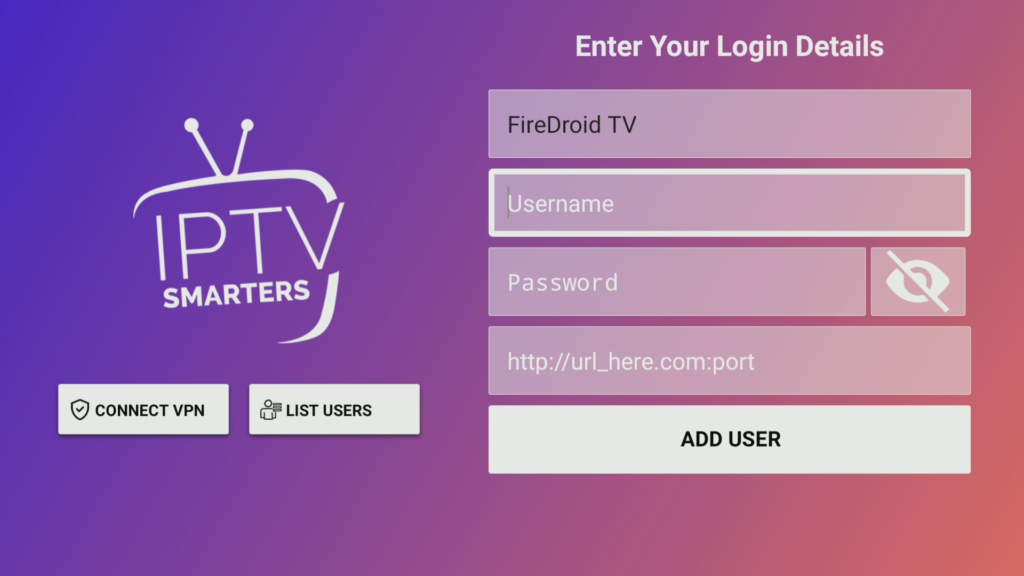
- Choose Login with Xtream Codes API
Enter IPTV Portal Information (FireDroid TV)
- Enter your IPTV service details: Server URL, Username, Password
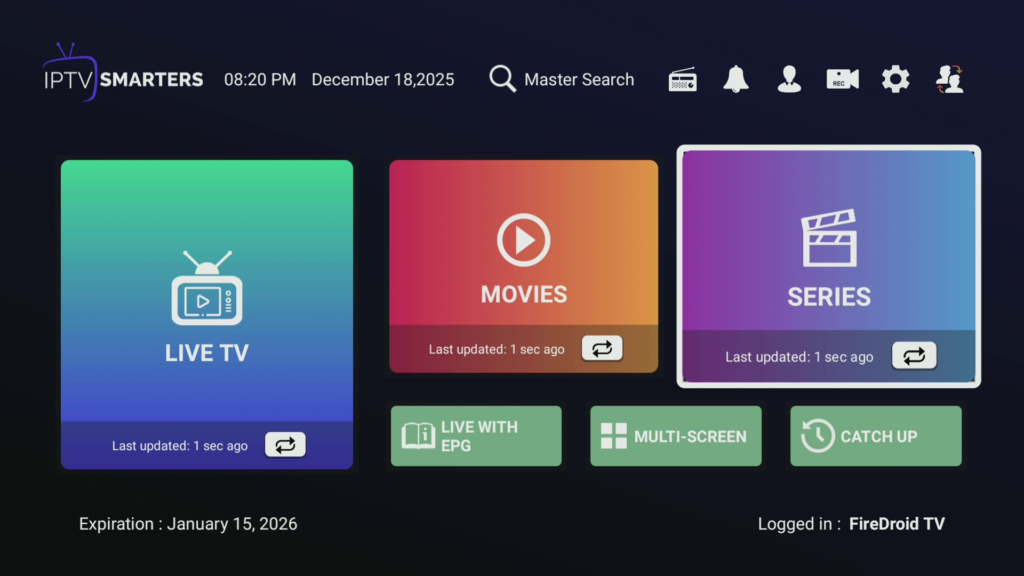
- Confirm and allow content to load
FireDroid TV integrates smoothly with IPTV Smarters and supports multiple devices. More information available at FireDroidTV.com.
Optional IPTV Smarters Settings
- Open the settings menu
- Adjust display and playback preferences
IPTV Smarters Setup Complete
IPTV Smarters is now set up and ready to stream on Firestick.
Looking for other IPTV player setup guides?
Learn how to set up TiViMate and IMPlayer on Firestick with our complete step-by-step tutorials.