
The student laptop market in 2026 is dominated by a simple question: what is the minimum you need to get through four years of papers, research, video calls and the occasional gaming session without spending flagship money? The answer is more affordable than it used to be.
The specifications that actually matter for students
- RAM. 8GB is the practical floor in 2026. 16GB is the sweet spot for students who run multiple browser tabs, a word processor and a video call simultaneously. 8GB works but feels limiting by junior year.
- Storage. 256GB SSD is the minimum. 512GB is the comfortable choice for students in media, design or any field that works with large files. Cloud storage supplements but does not replace adequate local storage.
- Battery life. A laptop that lasts a full day of classes without a charge is worth more than one with a faster processor that needs a power outlet by noon. Look for real-world battery estimates, not manufacturer claims.
- Weight and build. A laptop carried between classes, the library and home needs to be under 3.5 pounds and built to survive a backpack. Aluminum chassis is nice; durable plastic is fine.
- Display. A 1080p IPS panel is sufficient for most students. OLED is a luxury, not a necessity. Brightness matters more than color accuracy for a laptop used in varying lighting conditions.
Where the money is well spent
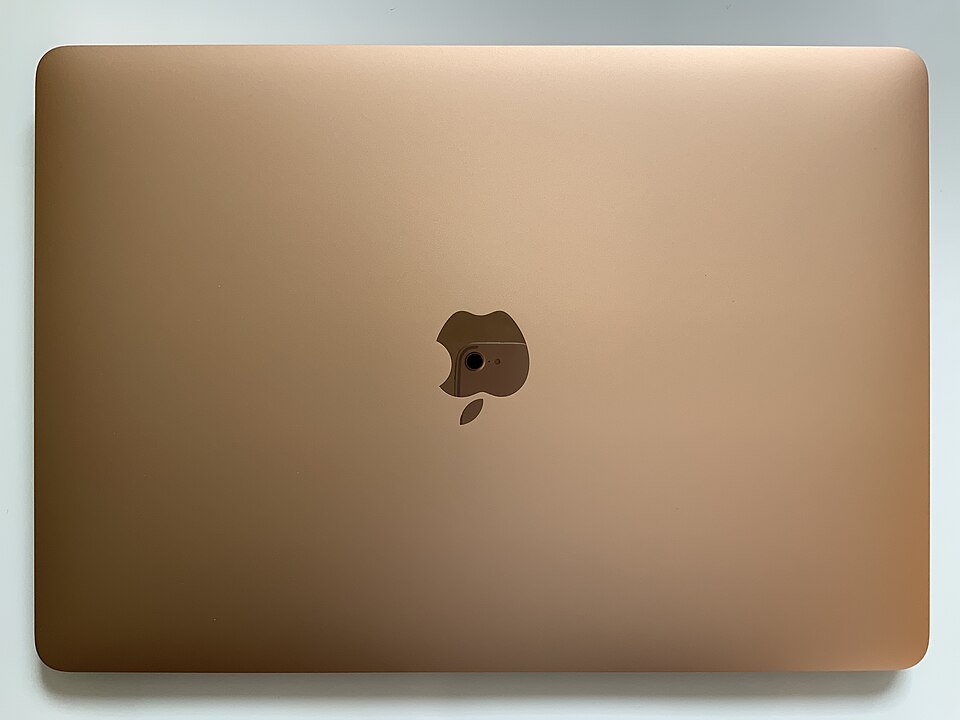
The $500-$700 range is the student laptop sweet spot. In this range, options from Acer, ASUS, Lenovo and HP offer processors capable of handling everyday academic workloads, screens that are comfortable for long reading sessions and batteries that survive a day of classes. Apple’s MacBook Air with the M-series chip sits at the upper edge of this range and is the better choice for students already in Apple’s ecosystem who value battery life and build quality over raw performance per dollar.
Chromebooks remain a viable option for students whose work is entirely browser-based — Google Docs, web research, email and video calls. They are cheaper, lighter and longer-lasting than Windows laptops, but they cannot run desktop software. Know which category you are in before buying.
Where the money is wasted
- Gaming laptops for non-gamers. A dedicated graphics card adds weight, cost and battery drain for a student who is not gaming. Integrated graphics in 2026 handle video streaming and casual gaming adequately.
- Buying the latest processor. A one- or two-year-old CPU at a discount outperforms a current-year budget processor at the same price. The performance difference between generations is smaller than the price difference.
- Upgrading RAM after purchase. Many modern laptops have soldered RAM that cannot be upgraded. Buy the RAM you will need for the life of the laptop at the time of purchase.
What we did not do
We have not tested the laptops listed here. The assessments above are based on published reviews and manufacturer specifications, cited below. Specific model recommendations vary by region and current pricing. Verify the exact model, its specifications and the current price before purchasing.
For more buying guides, see our budget phone guide and streaming device guide.
Sources
- Laptop Mag, best budget laptop reviews: https://www.laptopmag.com/
- Wirecutter, budget laptop recommendations: https://www.nytimes.com/wirecutter/reviews/best-laptop/
- PCMag, laptop reviews and rankings: https://www.pcmag.com/categories/laptops





