
Budget tablets have improved to the point where a sub-$200 device is genuinely usable for reading, video and light browsing. The compromises are also predictable, which means you can decide in advance whether they matter to you.
The five specifications that decide everything
- Display resolution and panel type. A 10-inch screen at 1280×800 is noticeably soft for text. 1920×1200 on the same size is comfortable. This is the single most noticeable difference between budget tiers, and it is where the cheapest models cut first.
- RAM. 4GB is the practical floor for modern Android use. 3GB devices feel slow within months as apps grow, and 2GB should be avoided entirely.
- Storage and expansion. 32GB is tight once the operating system is accounted for. 64GB is the sensible minimum, and a microSD slot removes the problem for media storage.
- Software support window. This is the specification almost nobody checks and the one that determines useful life. A tablet with two years of promised updates is a very different purchase from one with six. Check the manufacturer’s published commitment, not the version shipping today.
- Charging speed and battery. A large battery with slow charging is a worse daily experience than a smaller battery that charges quickly.
Where budget tablets genuinely hold up
For reading, video streaming, video calls and web browsing, a competent budget tablet does the job. These are workloads that do not demand a fast processor. Published reviews consistently note that the well-reviewed budget options handle them comfortably.
The Amazon Fire HD 10 has been widely recommended as the best of the Amazon tablets for most people, with a sharper display and better performance than the smaller Fire HD 8, and access to a large library of free content for Prime members. Reviews note it costs extra to remove lock-screen advertising, which is worth factoring into the price comparison.
Where they fall short
- Multitasking. Split-screen with two apps is where low RAM shows up immediately.
- Gaming. Anything demanding will either not run or run poorly.
- Longevity. The combination of a short update window and modest RAM means a budget tablet ages faster than a mid-range one, even if the hardware still works.
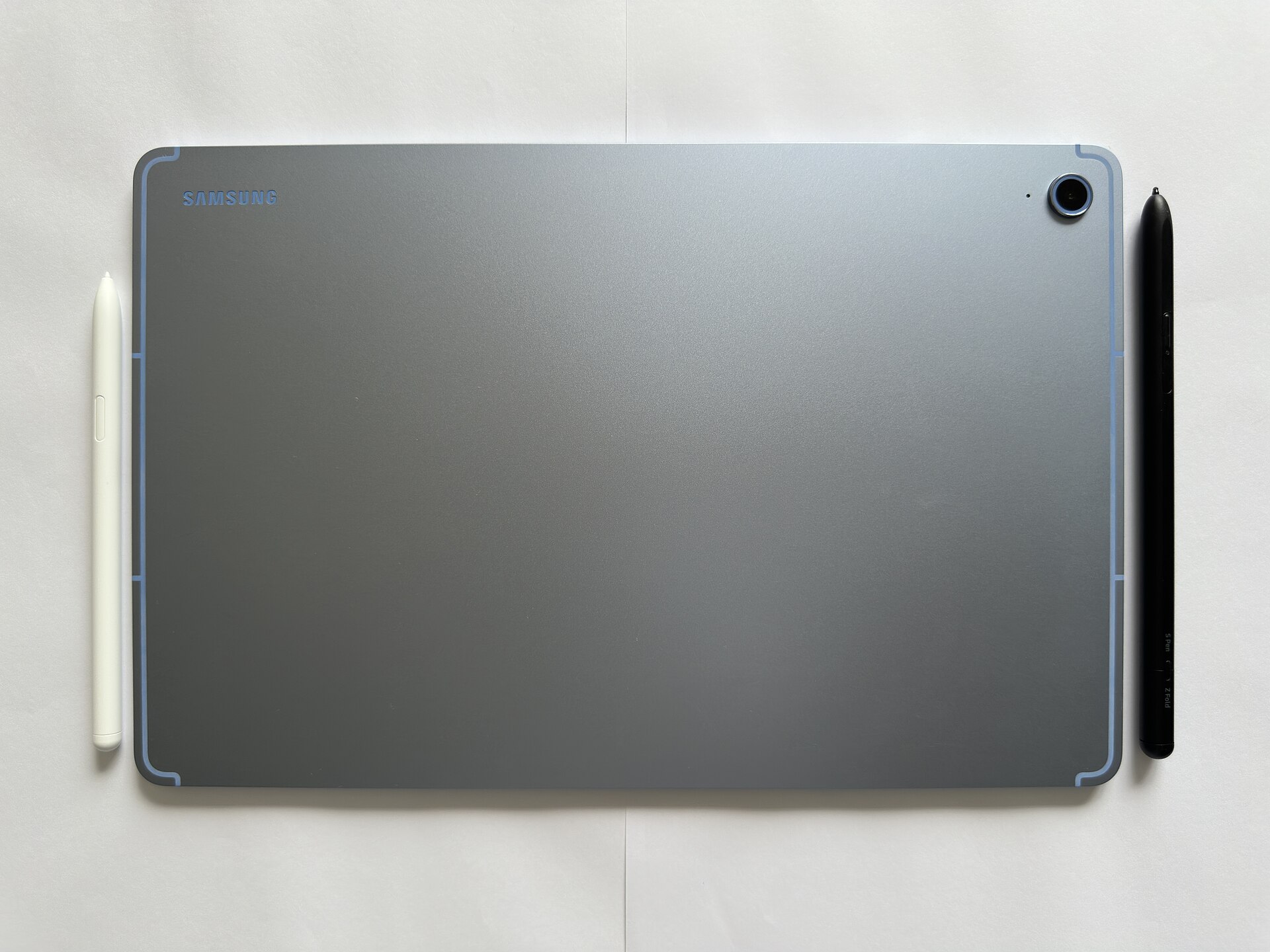
- Accessories. Keyboard cases and styluses for budget models are often poor quality, which limits how far a cheap tablet can substitute for a laptop.
The Amazon ecosystem question
Fire tablets run Amazon’s version of Android, which means the Google Play Store is not present by default. If the apps you need are not available in Amazon’s store, that is a functional limitation rather than a preference. Check the specific apps you rely on before buying, not the category.
What we did not do
We have not tested these tablets. The assessment above is based on published reviews and manufacturer specifications, cited below. Specific model recommendations vary by region and by current pricing, so verify the exact model and its update commitment before purchase.
Price and availability
Budget tablet pricing changes frequently and discount-driven prices are common. Verify the current price, the exact model number and the included storage at the point of purchase. Prices for these devices fluctuate with promotional events.
For related coverage, see our guide to choosing a streaming device in 2026 and the cheapest way to stream.
Sources
- WIRED, “The Best Amazon Fire Tablet” and Fire tablet testing: https://www.wired.com/gallery/best-amazon-fire-tablet/
- WIRED, “The Best Android Tablets”: https://www.wired.com/story/the-best-android-tablets/
- CNET, “Best Tablets in 2026: Top Picks from Apple, Samsung and More”: https://www.cnet.com/tech/computing/best-tablet/
- PCMag, “The Best Cheap Tablets for 2026”: https://www.pcmag.com/picks/the-best-cheap-tablets





