
A simple step-by-step guide to installing and configuring TiViMate for IPTV streaming
TiViMate is one of the most popular IPTV players for Firestick and Android TV thanks to its clean interface and powerful features. This guide walks you through the correct way to install and set up TiViMate from start to finish.
This article focuses on app setup only and is for educational purposes.
Enable Apps from Unknown Sources on Firestick
- Go to Settings
- Select My Fire TV
- Open Developer Options
- Turn on Apps from Unknown Sources
Install TiViMate Using Downloader
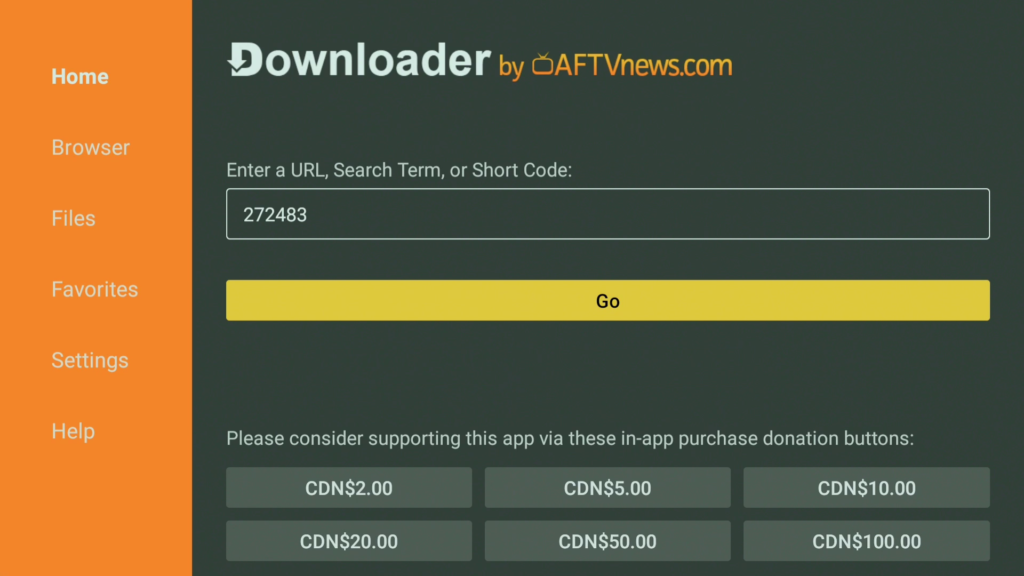
- Open the Downloader app
- Enter the following code in the URL field: 272483
- Download and install TiViMate
- Open the app once installation is complete

Start the TiViMate Setup Process
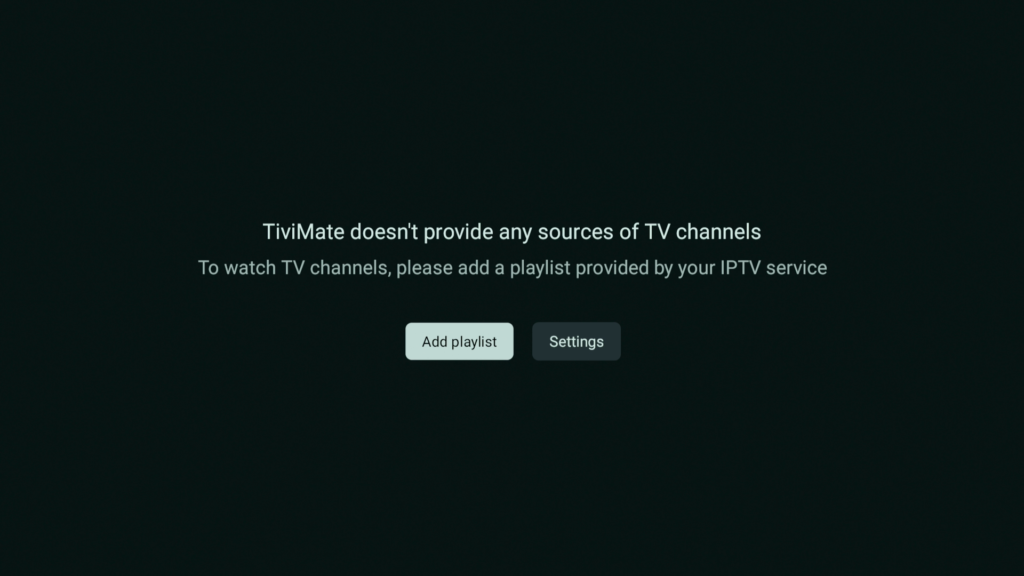
- Open TiViMate
- Select Add Playlist
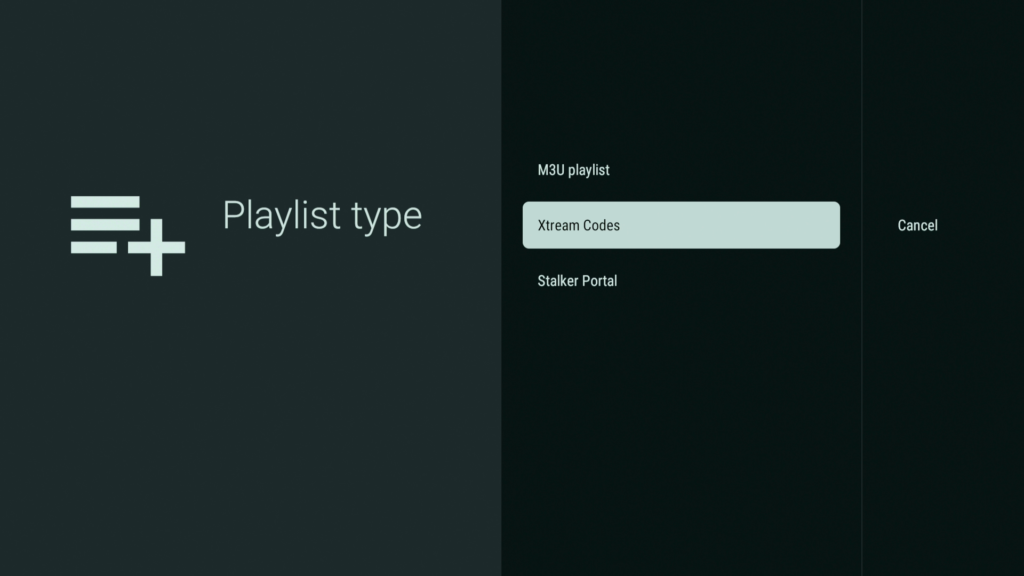
- Choose Xtream Codes Login or M3U Playlist
Enter IPTV Portal Details
- Enter the portal details provided by your IPTV service: Portal / Server URL, Username, Password
- Confirm and allow the playlist to load
FireDroid TV is fully compatible with TiViMate and optimized for Firestick, Android TV, and Google TV devices. Visit FireDroidTV.com for more information.
Optional TiViMate Settings
- Open Settings
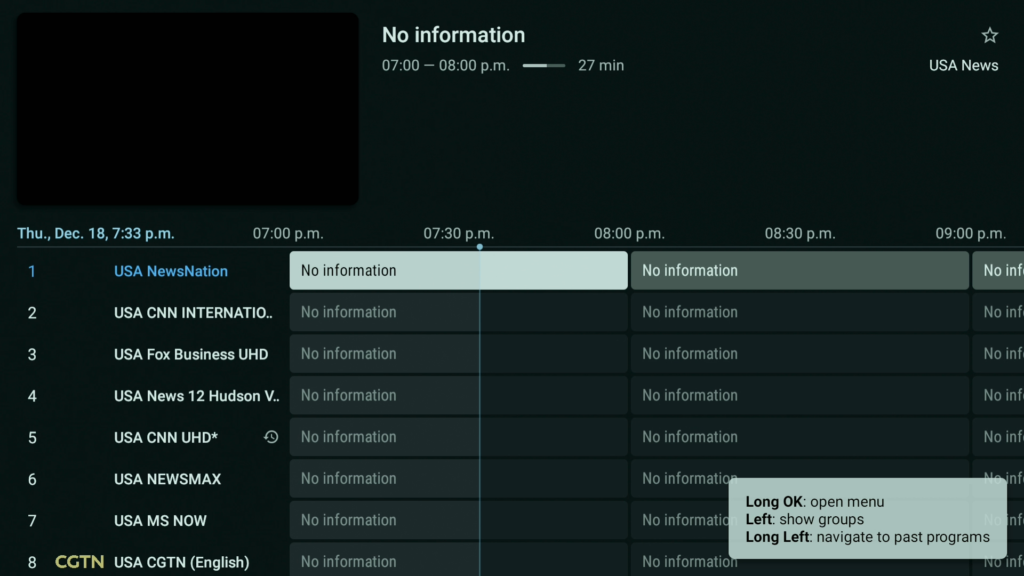
- Adjust EPG and playback options as desired
TiViMate Setup Complete
TiViMate is now fully set up and ready to use on Firestick.
Looking for other IPTV player setup guides?
Learn how to set up iMPlayer, and IPTV Smarters on Firestick with our complete step-by-step tutorials.